Babel
Egret StudiosExtensionposted 5 months ago
Procedural mesh aging addon for Blender
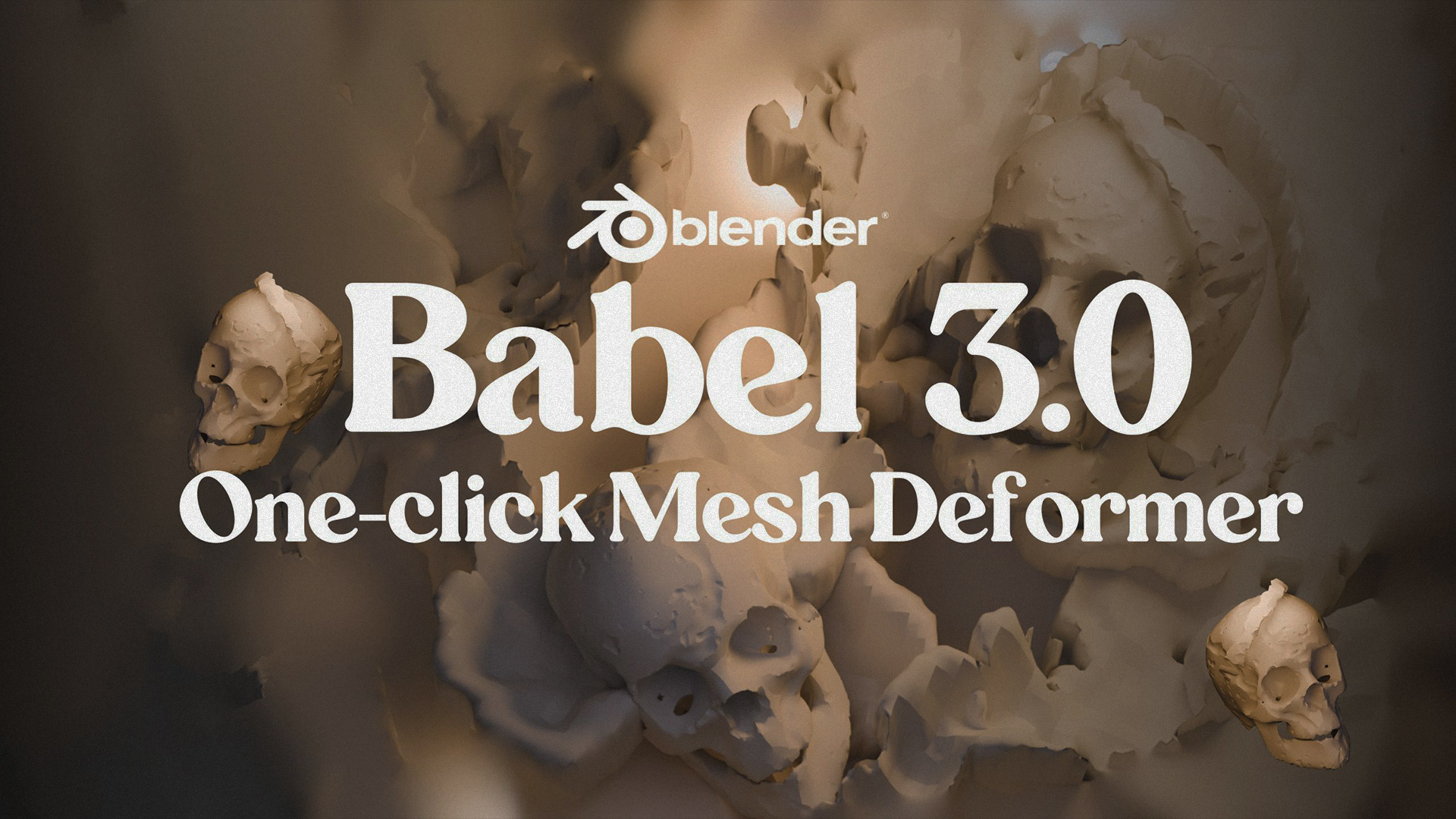
description
This amazing addon allows you to procedurally add realistic tear and aging effects to 3D models in Blender in real time.
What makes it stand out?
Babel is a powerful procedural mesh deformation tool for Blender that creates realistic wear and tear on 3D models. It analyzes your geometry and adds damage where it naturally happens—like chipped edges, weathered surfaces, and erosion—bringing your models to life without manual sculpting.


Feel free to explore the documentation and FAQs to get familiar with the addon. If you have any questions, don’t hesitate to reach out.
Happy Trails,
Egret 🤎
attributes
- blender
- 4.0 – 5.1
- license
- GPL
- engines
- Eevee, Cycles, Octane
- sales
- none yet
questions
- Can I use Babel 3 for commercial projects?
Yes! Babel 3 is licensed for both personal and commercial use. You can use it for client work, game development, film production, and any commercial project.
- Does Babel 3 work on Mac/Linux?
Yes! Babel 3 is fully cross-platform and works on Windows, macOS, and Linux systems with Blender 4.0+
- What object types work with Babel 3?
Babel 3 works exclusively with mesh objects. It cannot be applied to curves, text, cameras, lights, or other object types. Convert other object types to mesh first (Alt+C or Object > Convert to Mesh).
- Can I apply multiple aging passes?
Absolutely! You can age an object, revert to original, then apply different settings for layered effects. You can also duplicate aged objects and apply additional aging passes for complex weathering patterns.
- Can I animate aging effects?
Yes! The Boolean controller created during aging can be keyframed. Animate its transform properties (location, rotation, scale) to create dynamic aging sequences or progressive damage over time.
- What does Edge-Based Aging do?
Edge-Based Aging automatically detects sharp edges and corners, applying intensified weathering where real-world wear naturally occurs. Adjust the "Edge Intensity" slider to control how much extra aging sharp edges receive compared to flat surfaces.
documentation
🏛️ Babel 3 — User Documentation
🚀 Introduction
Babel 3 is a professional Blender add-on that transforms pristine 3D models into realistically aged and weathered assets using intelligent procedural algorithms.
Powered by its Boolean-Controlled Deformation System, Instant Weathering, Enhanced Detailing Mode, and Precision Masking Controls, Babel 3 revolutionizes how artists approach mesh aging and surface wear.
🖥️ System Requirements
Blender 4.0 or later
Mesh objects (any polygon count)
Windows, macOS, or Linux
📦 Installation
Download the Babel 3
.zipfileOpen Blender → Edit > Preferences
Go to the Add-ons tab
Click Install... and select the
.zipfileEnable Babel 3
Access via:
3D Viewport → Sidebar (N) → Babel tab
⚡ Getting Started
🧩 Basic Workflow
Select a mesh object
Open the Babel 3 panel
Click Generate Aging
Adjust settings in real-time (optional)
Click Apply Aging
✨ Your First Aged Mesh
Add a cube → Shift + A → Mesh → Cube
Select the cube
Open Babel panel
Click Generate Aging
Observe realistic wear patterns
Click Apply Aging
🔥 Core Features
⚡ Instant Weathering
Transform any mesh instantly — no setup required.
How to use:
Select object
Click Generate Aging
Aging applies automatically with smart edge detection
🧠 Boolean-Controlled Deformation System
Gain spatial control over where aging appears using a Boolean controller.
How it works:
Apply aging
A controller object is created
Move/scale it to control affected areas
Results update in real-time
🎯 Enhanced Detailing Mode
Access high-quality processing using Ctrl + Click.
Includes:
Subdivision refinement
Secondary displacement
Micro-surface detail
Ultra-realistic weathering
Usage:
Ctrl + Click Generate Aging
Ctrl + Click Apply Aging
🎨 Precision Masking Controls
🧵 Vertex Group Masking
Create vertex groups
Paint weights on mesh
Enable Use Vertex Groups
Select group
Aging applies only to painted areas
🔪 Edge-Based Aging
Enable Edge-Based Aging
Adjust Edge Intensity
Enhances wear on edges and corners
🎛️ Advanced Controls
🧩 Babel Presets (Pattern Types)
Control texture-driven aging styles:
Musgrave — Organic, natural wear
Clouds — Soft, flowing aging
Noise — Sharp, chaotic damage
Magic — Complex surface variation
🎚️ Babel Attributes
Proportion
Controls scale of aging patterns
Low = fine detail
High = large-scale wear
Intensity
Controls strength of aging
0% → subtle
100% → extreme
⚙️ Processing Modes
⚡ Standard vs Enhanced
Standard → Fast, ideal for iteration
Enhanced (Ctrl+Click) → Slower, high-quality
🔄 Apply vs Instant
Interactive Mode → Generate → Adjust → Apply
Instant Mode → Ctrl + Click Generate (no preview)
🧠 Workflow Tips
🎮 Game Development
Use Standard Mode for bulk assets
Use Enhanced for hero props
Protect areas with vertex masking
Experiment with pattern types
🏢 Architectural Visualization
Use Edge-Based Aging for realistic wear
Combine low Intensity + high Proportion
Focus aging with Boolean controller
🧬 Character / Creature Work
Mask clothing, preserve skin
Apply edge aging to armor
Use subtle settings for organic surfaces
🔬 Advanced Techniques
✂️ Procedural Cross-Sectioning
Apply aging
Duplicate object (Shift + D)
Intersect meshes
Reapply aging
→ Creates procedural cutaways
🎬 Animation
Keyframe Boolean controller
Animate aging progression
Create dynamic damage effects
🧱 Layered Aging
Apply first pass
Restore mesh
Apply different settings
Combine results for complex wear
🐞 Troubleshooting
Common Issues
❌ No Object Selected
Select a mesh object (only meshes supported)
👀 Aging Not Visible
Increase Intensity
Ensure sufficient geometry
Adjust Proportion
🐌 Performance Issues
Use Standard Mode
Reduce mesh density
Limit area with vertex masking
🧲 Controller Not Responding
Ensure Object Mode
Verify controller exists
Toggle Edit Mode
⚠️ Error Messages
"Cannot apply to multi-user object"
Mesh is shared
Babel auto-fixes this
If needed:
Object → Relations → Make Single User → Object Data
"Context missing active object"
Ensure object is selected
Reselect target mesh
⚡ Performance Optimization
🚀 Large Scenes
Process objects individually
Use lower Intensity
Work with proxy meshes
⚡ Real-Time Preview
Disable Edge-Based Aging
Use lower Proportion
Finalize only when ready
🎹 Keyboard Shortcuts
Ctrl + Click → Enhanced Mode
Ctrl + Click Restore → Duplicate original mesh
G / R / S → Transform controller
📞 Support
For support, feature requests, or bug reports:
On Homepage, there's a inbox console to reach to us.
🏛️ Babel 3
Transform time into your creative advantage. ⏳✨
ratings (0)
tags
posting details
- listing id
- 04m4wwg41a
- posted
- 2026-04-03 22:54
- updated
- 2026-06-08 09:25