Shardflow
Egret StudiosExtensionposted 5 months ago
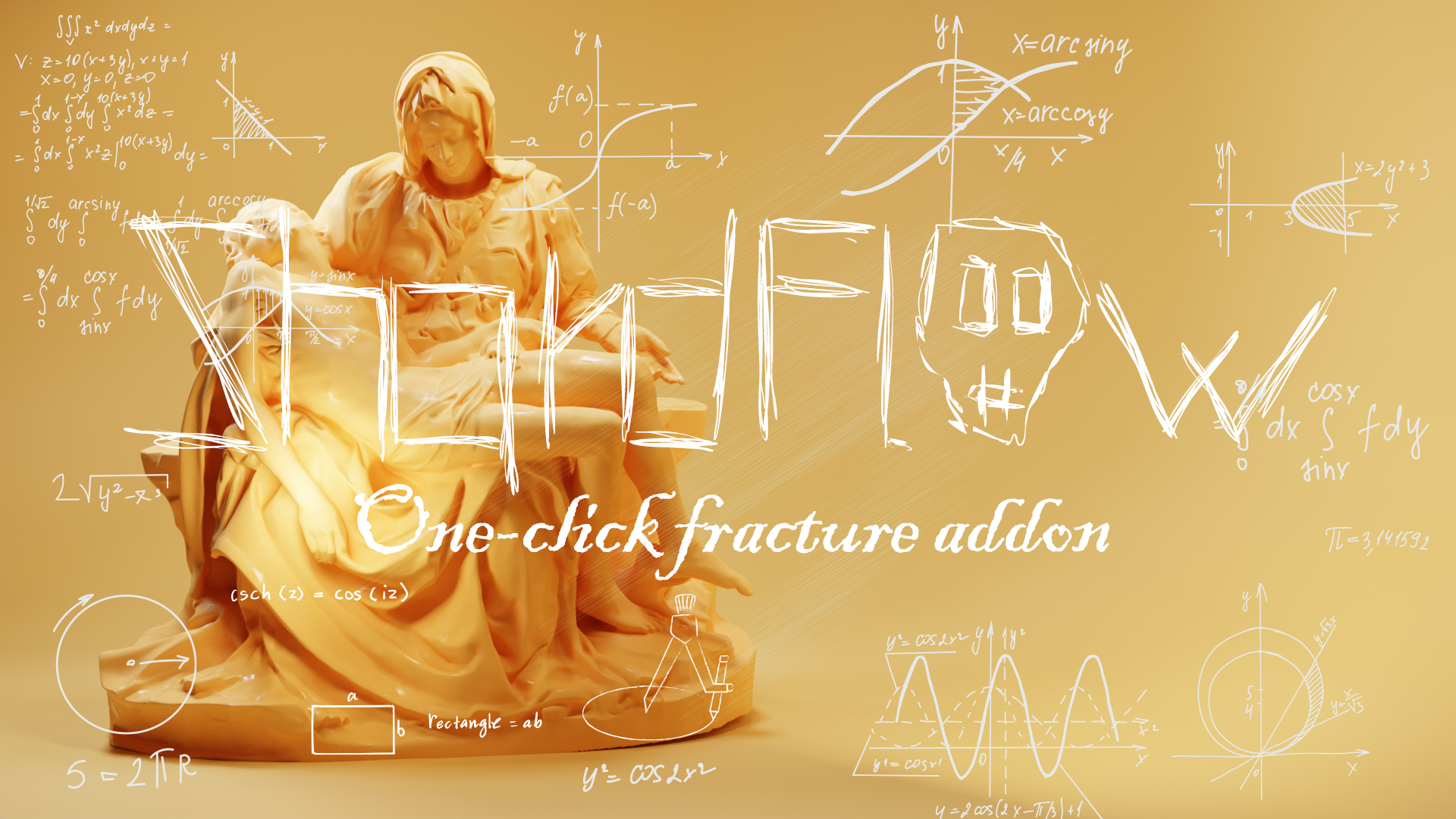
One click fracture addon
description
ShardFlow is a powerful addon for creating realistic fracture effects with ease. With advanced tools and one-click customization, it simplifies breakage in simulations and cinematic scenes, giving artists full control over the process—all in just one click!

Key Features:
One-Click Fracturing: Instantly fracture objects with a single click. ShardFlow automates the entire process, making it effortless to create complex destruction effects.
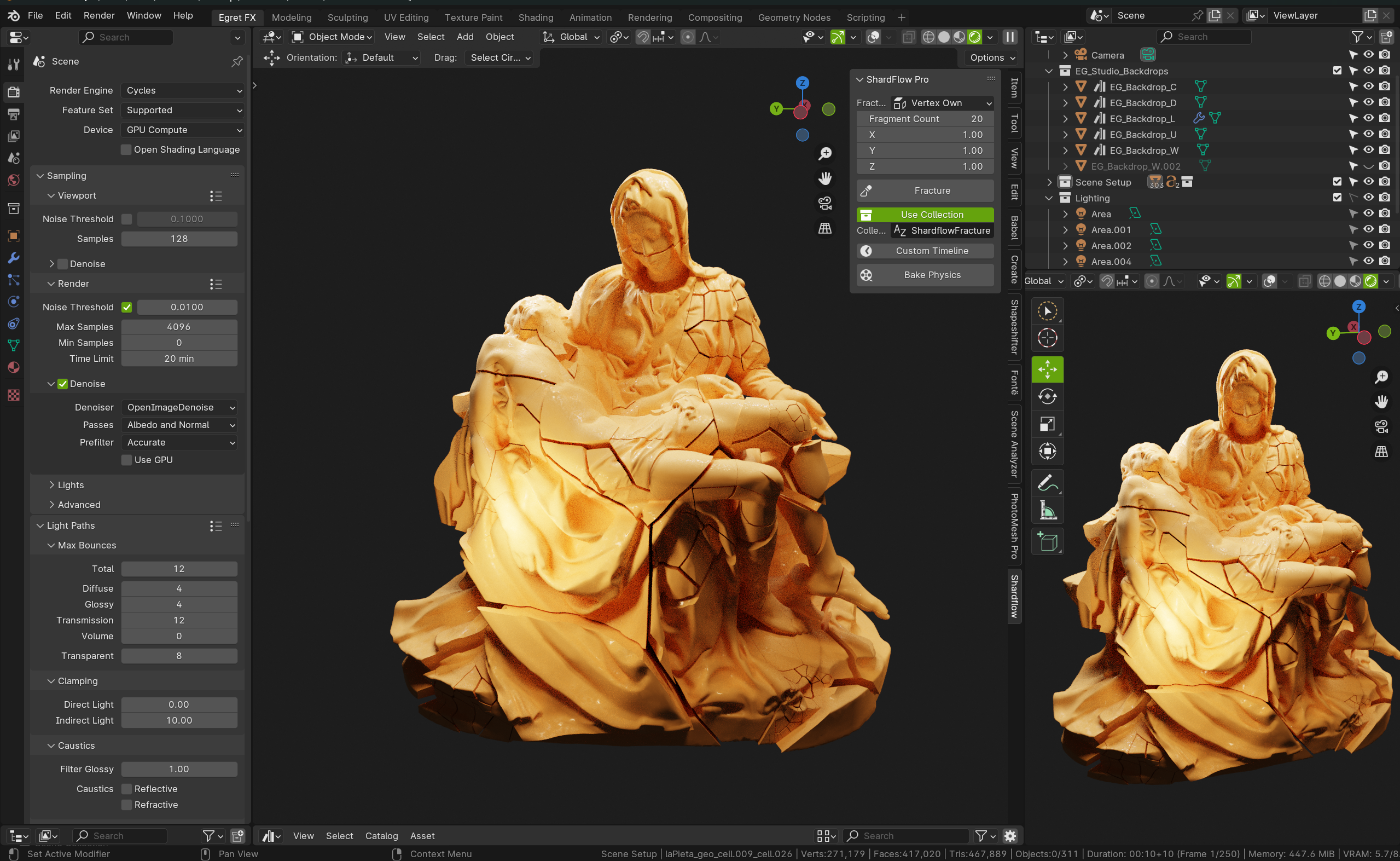
Multiple Fracturing Modes: Choose from various methods such as vertex-based, particle-based, or even Grease Pencil strokes to control how your objects shatter.
Customizable Fragmentation: Easily adjust the number of fragments generated for each object. Create from 2 up to 10,000 fragments, depending on the level of detail required.
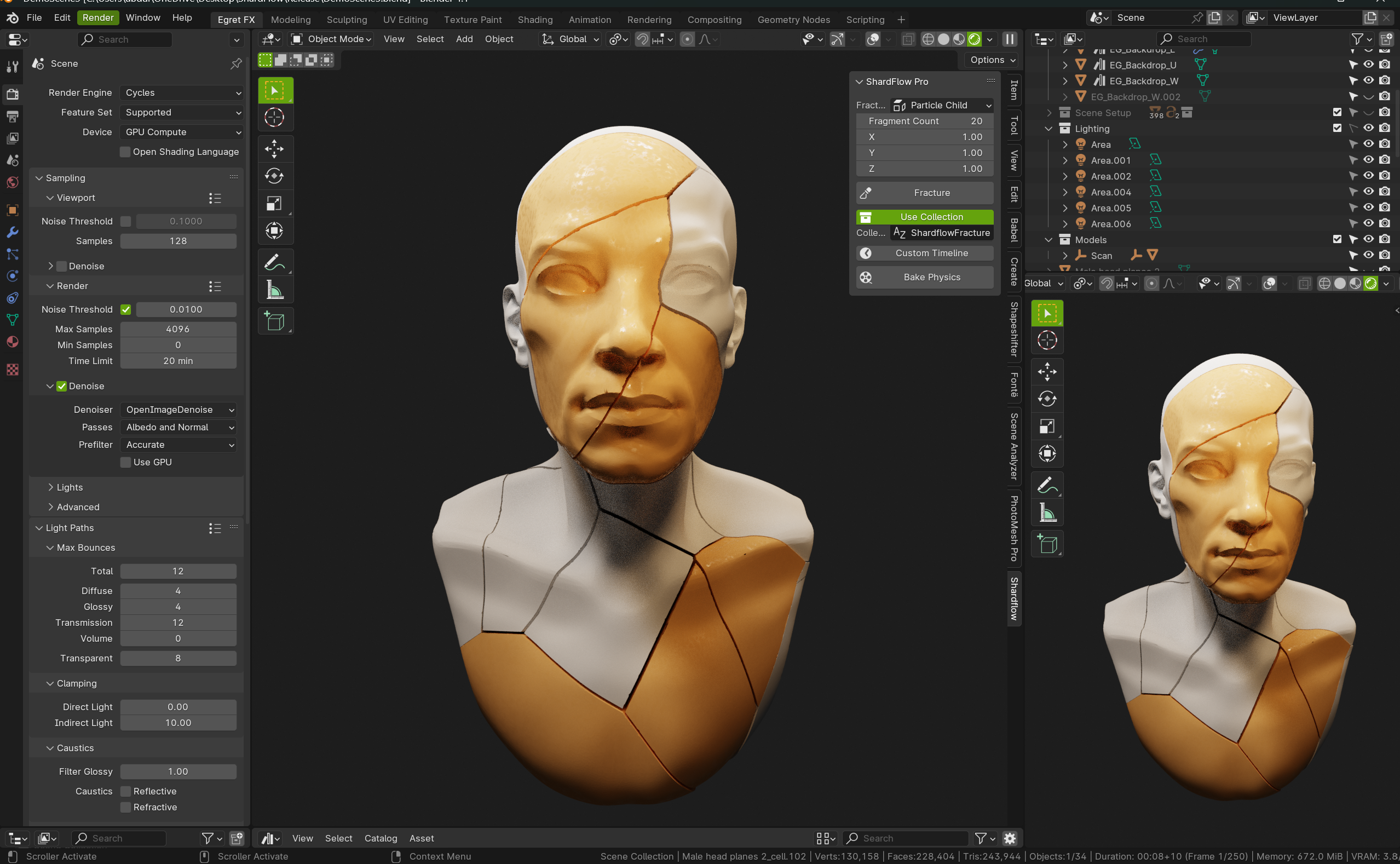
Voronoi Cell Control: Scale Voronoi cells in 3D space to define how pieces break apart, allowing for precise control over the shape and distribution of shards.
Automatic Collection Management: Automatically place fragmented objects into a new collection, streamlining your scene organization. Customize collection names for easy project management.
Real-time Fracture: Instantly fracture objects in the 3D view with just a few clicks.
Seamless Integration: Located directly in the 3D View Sidebar, ShardFlow blends into your existing Blender workflow with a simple and clean interface.
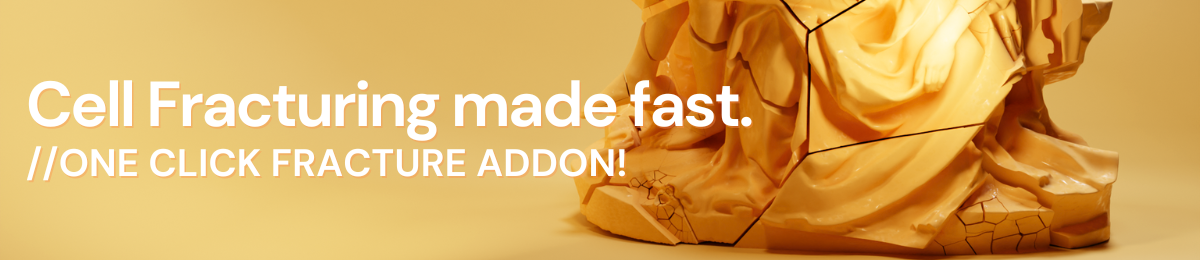
ShardFlow is your go-to solution for all things fracture!

Happy Sharding!
Egret
attributes
- blender
- 3.0 – 4.1
- license
- GPL
- engines
- Cycles, Eevee, Octane
- sales
- none yet
documentation
💎 ShardFlow — User Guide
🚀 Description
ShardFlow is a powerful Blender add-on designed to enhance your workflow with advanced shard management and fracture simulation tools.
It streamlines the process of breaking objects into realistic fragments, giving you greater control and efficiency when working with destruction effects, simulations, and dynamic scenes.
📦 Installation Instructions
📥 1. Download the Add-on
Download the shardflow.zip file from your distribution source or repository.
🖥️ 2. Open Blender
Launch Blender on your system.
⚙️ 3. Install the Add-on
Go to Edit > Preferences
Navigate to the Add-ons tab
Click Install... (top-right corner)
Select the
shardflow.zipfileClick Install Add-on
✅ 4. Enable ShardFlow
Locate ShardFlow in the Add-ons list (use search 🔍 if needed)
Check the box to enable it
⚠️ Important Requirement
ShardFlow depends on Blender’s built-in Cell Fracture add-on.
🔧 Enable Cell Fracture
In Preferences > Add-ons
Search for Cell Fracture
Enable it by checking the box
⚠️ ShardFlow will not function correctly without Cell Fracture enabled.
🧩 How to Use ShardFlow
📌 Access the Panel
Open the 3D Viewport
Press N to open the Sidebar (if hidden)
Navigate to the ShardFlow tab
🛠️ Using the Tools
Use the tools and operators in the ShardFlow panel to:
Generate shards
Control fracture behavior
Manage fragmented objects
Enhance simulation workflows
📞 Support
For support, questions, or feedback:
📧 egretfx@gmail.com
ratings (0)
tags
posting details
- listing id
- 1of8q53npt
- posted
- 2026-03-31 15:06
- updated
- 2026-06-08 09:25