Wireframe Glow
Egret StudiosExtensionposted 5 months ago
Does what it's called.
description


attributes
- blender
- 4.0 – 5.1
- license
- GPL
- engines
- Cycles, Eevee, Octane
- sales
- none yet
questions
- Does it work on all new blender versions?
Yes, Wireframe supports all blender versions.
documentation
✨ Wireframe Glow Documentation
📦 Installation
Download the
wireframe_glow.zipfileOpen Blender and go to Edit, then Preferences, then Add-ons
Click Install and select the downloaded zip file
Enable the addon by checking the box next to Wireframe Glow
📍 Location
The Wireframe Glow panel is located in the 3D Viewport sidebar under the View tab.
To access it:
Press N in the 3D Viewport to open the sidebar
Click the View tab

Locate the Wireframe Glow panel
🎮 Usage
Enable or Disable
Use the Enable Glow checkbox to turn the wireframe glow effect on or off.
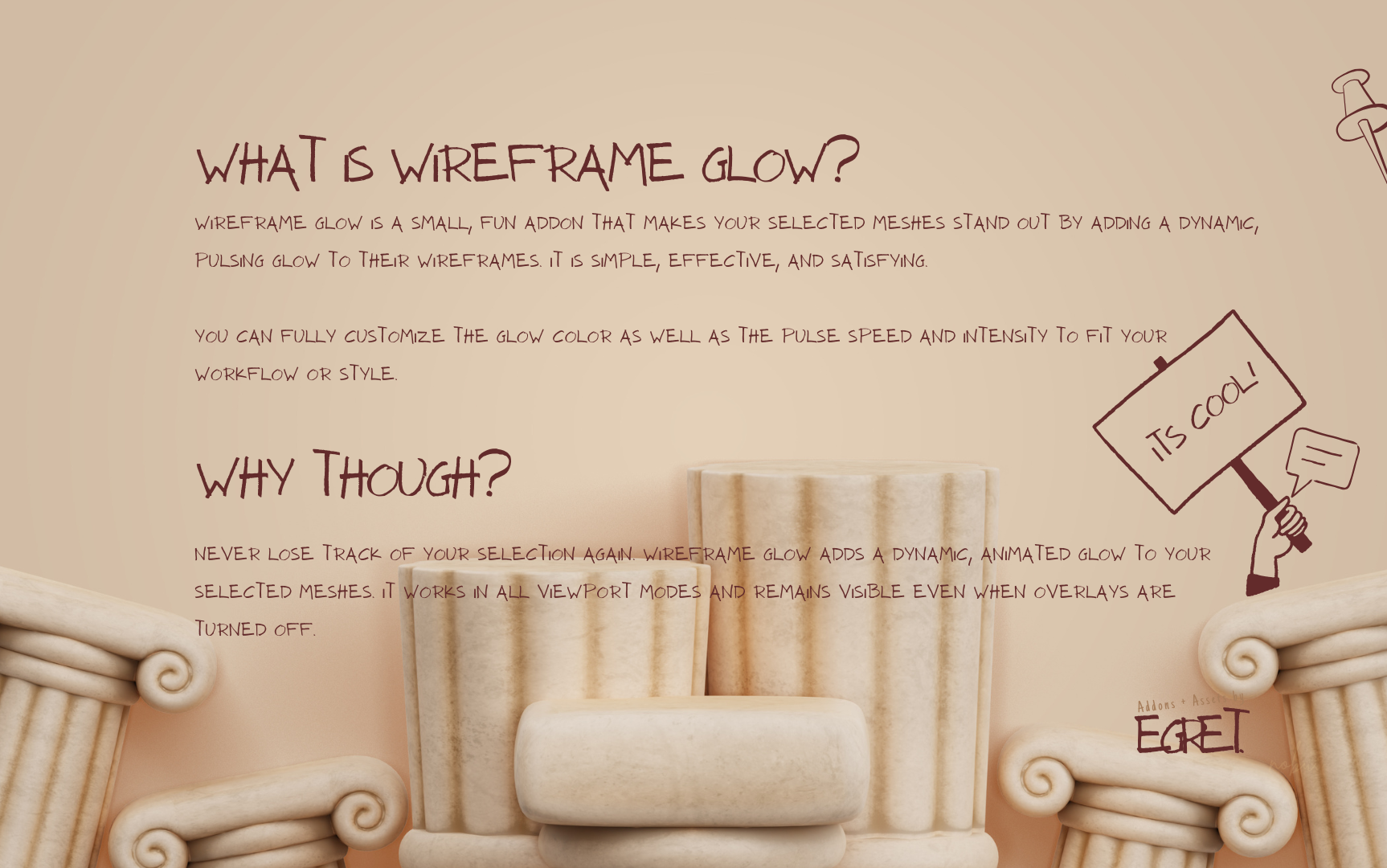
When enabled, all selected mesh objects will display a pulsing glow on their wireframe edges in real time.
🎨 Appearance Settings
Glow Color
Click the color picker to choose your preferred glow color
Default color is cyan (0.0, 0.8, 1.0)
Works with any RGB color value
⏱ Animation Settings
Pulse Speed
Range: 0.5 to 5.0
Default: 1.5
Controls how fast the glow pulses
Lower values create a slower, more subtle animation
Higher values create a faster, more energetic animation
Intensity
Range: 0.0 to 2.0
Default: 1.0
Controls the brightness and thickness of the glow
Lower values create a thinner, dimmer glow
Higher values create a thicker, brighter glow
⭐ Features
✔ Works in all viewport shading modes including Solid, Material Preview, and Rendered
✔ Compatible with both Cycles and Eevee
✔ Visible even when all viewport overlays are disabled
✔ Real-time updates when adjusting settings
✔ Lightweight and efficient with minimal performance impact
✔ Clean, non-intrusive user interface
💡 Tips
Use lower intensity values between 0.5 and 0.8 for subtle highlighting in busy scenes
Use higher pulse speed values between 3.0 and 5.0 for attention-grabbing presentations
Disable overlays using Alt + Shift + Z for a clean viewport with only the glow visible
Works great for screencasts and tutorials where selection clarity matters
Combine with camera view to frame shots while keeping selections visible
🛠 Troubleshooting
The panel is not showing
Make sure the addon is enabled in Preferences
Press N to open the sidebar if it is hidden
Ensure you are in the View tab of the sidebar
The glow is not visible
Make sure Enable Glow is checked
Ensure a mesh object is selected
Try increasing the Intensity value
Check that the glow color is not too similar to your background
Performance issues
Wireframe Glow is lightweight, but if you experience slowdowns:
Reduce the pulse speed
Lower the intensity value
Disable the effect when it is not needed
💻 System Requirements
Blender version 4.0.0 or higher
OpenGL-compatible graphics card
Works on Windows, macOS, and Linux
📧 Support
For bug reports, feature requests, or questions, contact
egretfx@gmail.com
Version 1.0.0
© 2026 Egret Studios LLC
ratings (0)
tags
posting details
- listing id
- 043nqn6ixx
- posted
- 2026-03-31 11:51
- updated
- 2026-06-08 09:25