Lensmode
Egret StudiosExtensionposted 5 months ago
Quick Lens Effects For Blender
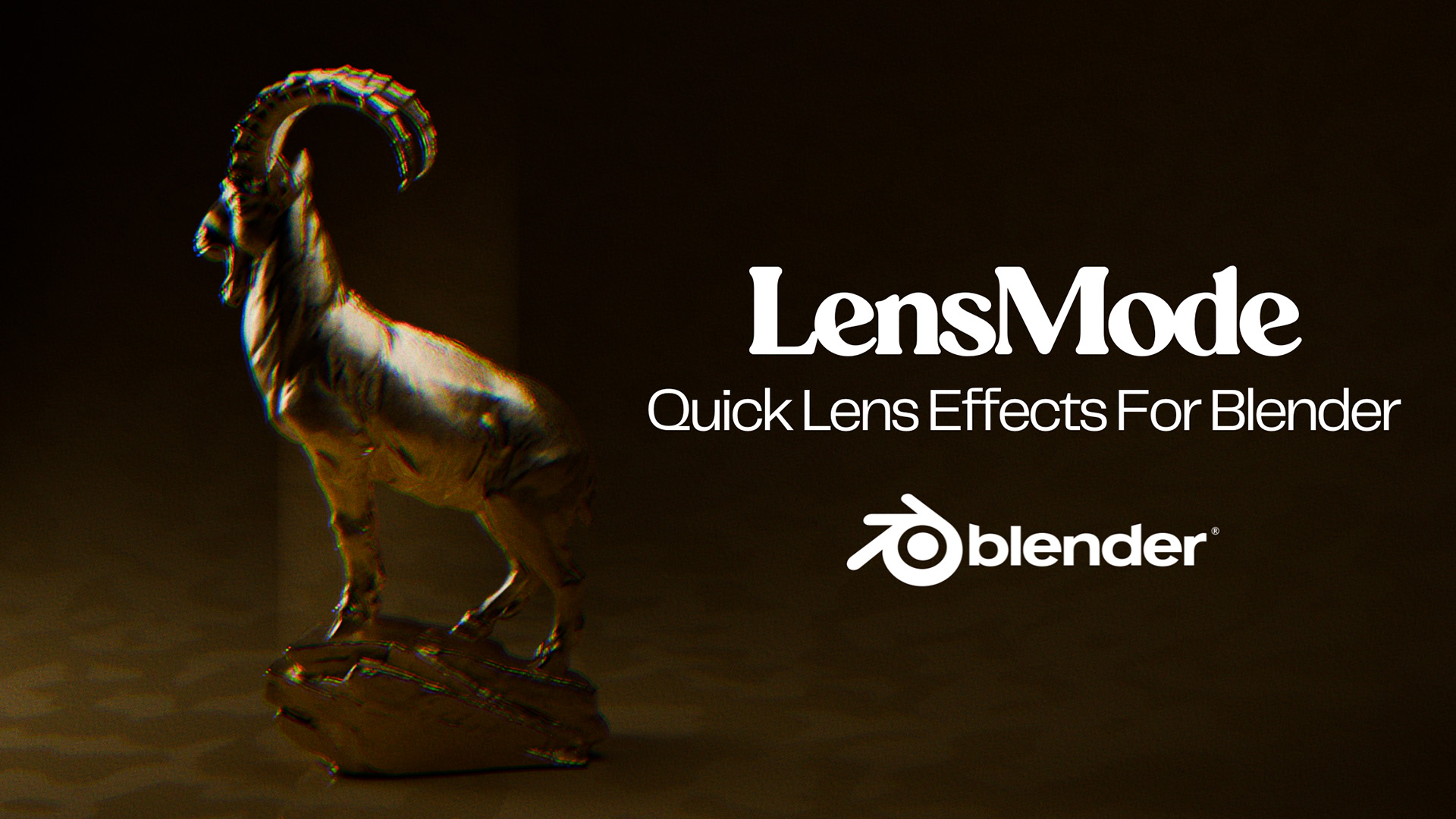
description

Bring cinematic lens realism to your renders in seconds. LensMode automatically creates lens distortions, chromatic aberration, vignettes, and anamorphic effects— with a click of a button, no complicated node setup needed.
What LensMode Does?
Quick Presets: Apply professional camera lens looks with one click.
Customizable Effects: Adjust distortion, color fringing, vignettes, and anamorphic squeeze to match your style.
Time-Saving: What used to take 5–10 minutes manually now takes just seconds.

Who It’s For?
VFX Artists: Match real camera lens looks for compositing.
Filmmakers & Motion Graphics Artists: Add cinematic realism quickly.
Archviz Artists: Make renders feel like real camera shots.
Anyone who wants professional lens effects without hassle.
Technical Details
Works with Blender 4.0+, Cycles & Eevee. (Built and tested with Blender 5.0)
Lightweight, compositor-based—so that it doesn’t slow down rendering. (All the effects are applied after the render is complete)
Includes: LensMode addon, 15 presets, documentation, and installation guide.
Non-destructive workflow.
Transform your renders with authentic lens effects—fast, easy, professional results.
~ Nobu.
attributes
- blender
- 4.0 – 5.0
- license
- GPL
- engines
- Cycles, Eevee
- sales
- none yet
documentation
LensMode: Quick Lens Effects for Blender
📌 Product Information
Version: 1.0.0
Author: Nobuhle Cairo
Blender Version: 4.0+
🧠 Overview
LensMode is a professional Blender add-on that delivers realistic camera lens effects through automated compositor node setup.
It features 15+ real-world lens presets, physically-based distortion using the Brown–Conrady model, and full manual control over optical imperfections — all within a non-destructive workflow.
Perfect for achieving cinematic realism directly inside Blender.
⚙️ Core Technology
📐 Brown–Conrady distortion model (industry standard)
🔗 Automatic compositor node generation
📷 Integrated with Blender Camera properties
🎯 Real lens profiles based on real-world specifications
♻️ Fully non-destructive (can be toggled on/off anytime)
📦 Installation
Download the
lensmode.zipfileOpen Blender → Edit > Preferences → Add-ons
Click Install...
Select the
.zipfileEnable LensMode
✅ Optional check:
Window → Toggle System Console → ensure no errors
⚡ Quick Start
Select your camera in the scene
Press N to open the sidebar
Open the LensMode tab
Enable LensMode ☑️
Click Load Preset and choose a lens
(e.g., Canon EF 50mm f/1.2L)Switch to Compositor Workspace
Press F12 to render 🎬
🎛️ Manual Controls
📐 Distortion Panel
K1, K2, K3 → Radial distortion
P1, P2 → Tangential distortion
🌈 Optical Effects
Chromatic Aberration → Color fringing
Vignette → Edge darkening
🎞️ Anamorphic Controls
(Available when anamorphic lens is selected)
Squeeze Factor → Horizontal compression (1.0x – 2.5x)
🧪 Checklist (Validation Workflow)
Use this to verify everything works correctly:
Install addon (no errors)
Create scene with default camera
Enable LensMode
Apply preset: Canon EF 24mm f/1.4L II
Open compositor → nodes should appear automatically
Render → barrel distortion should be visible
Adjust K1 → confirm real-time update
Apply Cooke Anamorphic/i 25mm
Confirm anamorphic node appears
Disable LensMode → nodes removed
Re-enable → nodes restored
🧩 Compositor Node System
LensMode automatically creates and connects:
LensMode_Distortion → Barrel / pincushion distortion
LensMode_ChromaSplit / Combine → Chromatic aberration
LensMode_VignetteMask → Edge darkening
LensMode_AnamorphicSqueeze → Anamorphic scaling
📍 All nodes are placed between:
Render Layers → Composite
🎯 Included Lens Presets
📷 Canon
EF 24mm f/1.4L II
EF 50mm f/1.2L
EF 85mm f/1.2L II
EF 8–15mm Fisheye
🔍 Zeiss
Otus 55mm f/1.4
Distagon 15mm f/2.8
🎬 Cooke
Anamorphic/i 25mm, 40mm, 50mm
🎥 Panavision
C-Series 40mm
🧪 Sigma
15mm f/2.8 EX DG Fisheye
📼 Vintage
Helios 44-2 58mm f/2
⚡ Features
15+ real-world lens presets 📷
Physically accurate distortion model
Chromatic aberration simulation 🌈
Vignette control 🌑
Anamorphic squeeze (1.0x – 2.5x) 🎞️
Automatic compositor setup
Non-destructive workflow ♻️
Sidebar UI (N-panel)
🧠 Tips & Notes
Works with camera objects only
Effects visible in rendered output (F12)
Compositor nodes are auto-managed — no manual setup needed
⚙️ Technical Requirements
Blender 4.0+
Camera object in scene
Compositor enabled (auto-enabled by addon)
📞 Support
For support, feedback, or feature requests:
Inbox us on home page console.
🎥 LensMode
See your renders through real lenses. ✨
ratings (0)
tags
posting details
- listing id
- 04cmmirqrq
- posted
- 2026-04-04 00:21
- updated
- 2026-06-08 09:25